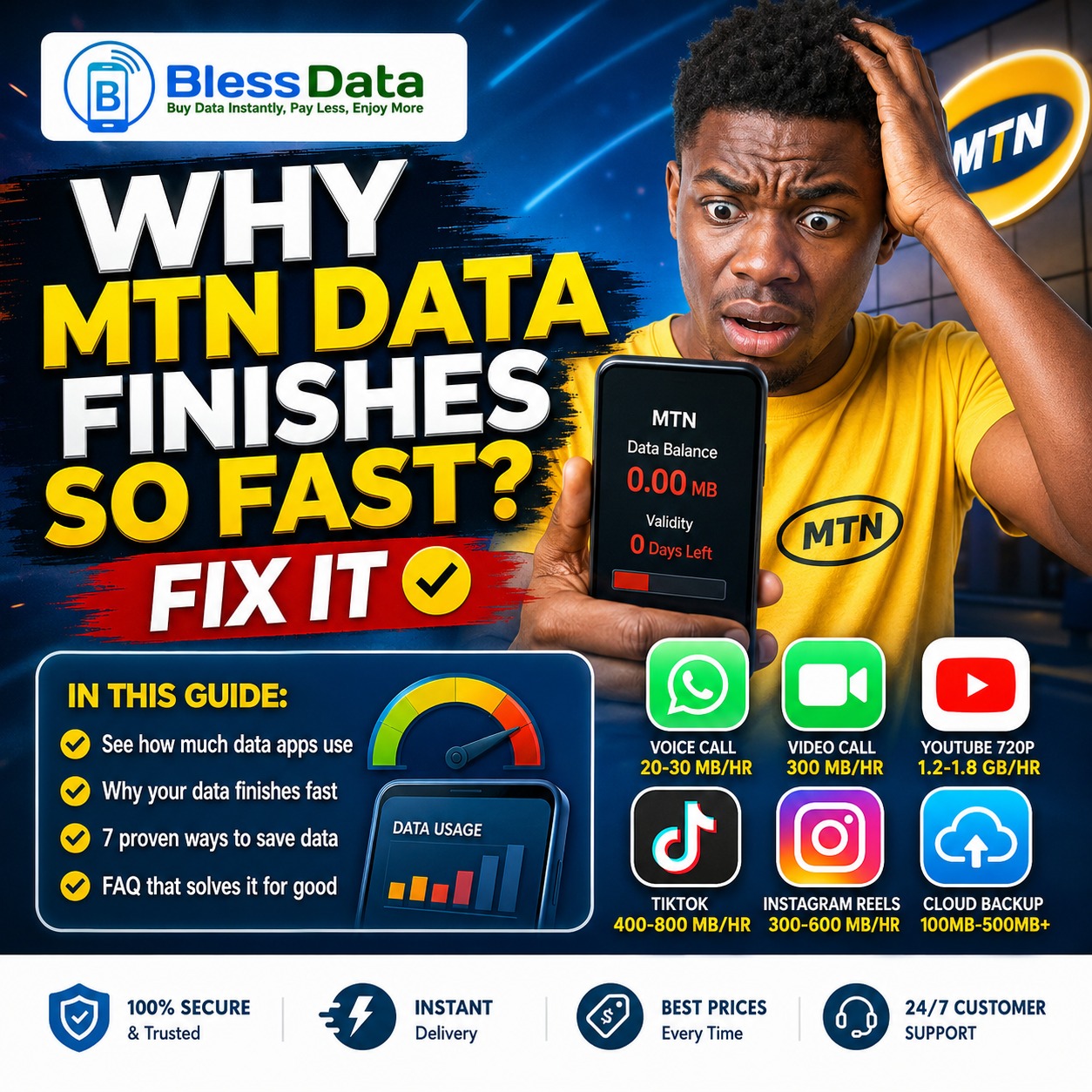
Why your MTN Data Finishes Fast? And fix.
You’re not imagining it. One moment your MTN data bundle shows “healthy,” and by the next morning, it’s finished — even though you swear you barely used your phone. If this has happened to you more than once, you’re not alone. Thousands of Nigerians search for this exact problem every day, and in almost every case there’s a clear cause — and a clear fix.
This guide shows you exactly how much data your everyday apps are really using, why your data disappears faster than expected, and 7 practical fixes to make every megabyte last longer — plus a smarter way to handle your data costs going forward.
How Much Data Your Everyday Apps Actually Use
Most people don’t realize just how much a single habit can cost until they see it in numbers. Here’s a realistic breakdown:
| Activity | Approximate Data Used |
|---|---|
| WhatsApp text messages (100+ msgs) | Under 1 MB |
| WhatsApp voice call | ~0.3–0.5 MB per minute (~20–30 MB/hour) |
| WhatsApp video call | ~5 MB per minute (~300 MB/hour) |
| Sending/receiving one WhatsApp photo | 0.1–1.5 MB |
| Sending/receiving one WhatsApp video clip | 5–15 MB per minute of video |
| YouTube at 360p | ~250–400 MB per hour |
| YouTube at 480p | ~500–700 MB per hour |
| YouTube at 720p (HD) | ~1.2–1.8 GB per hour |
| YouTube at 1080p (Full HD) | ~2–3 GB per hour |
| One app update | 20–200 MB (more for games) |
| One cloud photo/video backup | 100 MB–500 MB+ depending on file size |
The pattern is obvious: video is the biggest data killer, whether it’s WhatsApp video calls, YouTube, TikTok, or Instagram Reels. If you’re watching an hour of YouTube daily at 720p, that alone can eat over 1GB — more than most people’s daily bundle.
Common Reasons Your Data Finishes Fast
1. Background apps running unnoticed. WhatsApp, Facebook, Instagram, and email apps keep syncing, refreshing, and checking for notifications even after you close them.
2. Auto app updates. If your Play Store or App Store updates apps automatically over mobile data, one round of updates can quietly use several hundred megabytes.
3. HD streaming and autoplay videos. As shown in the table above, jumping from 480p to 720p on YouTube alone can more than double your usage per hour. Many apps also autoplay video as you scroll — data you never intended to spend.
4. Hotspot sharing. Sharing your data through a mobile hotspot can quietly double or triple your usage, especially if the connected device is also streaming or updating.
5. Cloud backups and photo syncing. Google Photos, iCloud, and similar apps often back up pictures and videos as soon as you have any connection — including mobile data, if your settings allow it.
6. Poor network signal. When signal is weak, your phone works harder to stay connected and complete requests, which can use more data than on a strong signal.
How to Check Data Usage on Your Phone
On Android: Go to Settings > Network & Internet (or Connections) > Data Usage to see which apps used the most data this billing cycle.
On iPhone: Go to Settings > Cellular (or Mobile Data) and scroll down for a per-app breakdown.
On Tecno, Infinix, and Itel phones (HiOS/XOS): These come with an extra built-in feature — go to Settings > Battery and Performance > App Management, or look for the dedicated “Data Usage” or “Phone Master” app pre-installed on the device. These often show real-time background data per app more clearly than stock Android.
Check this weekly, not just after your data has finished — that’s how you catch a data-hungry app before it wipes out your bundle.
7 Ways to Make Your Data Last Longer
- Turn on Data Saver Mode. Android: Settings > Network & Internet > Data Saver. iPhone: Settings > Cellular > Mobile Data Options > Low Data Mode.
- Restrict background data for non-essential apps. Go into each app’s settings and switch off background data for apps you rarely use.
- Turn off auto-updates on mobile data. Set your app store to update only on Wi-Fi.
- Lower your video streaming quality. Dropping YouTube from 720p to 480p can cut your usage by roughly half; dropping to 360p cuts it further, as shown in the table above.
- Disable autoplay videos on social media. Turn this off in each app’s data or media settings.
- Pause cloud backups on mobile data. Set Google Photos, iCloud, and similar apps to back up on Wi-Fi only.
- Use “Use Less Data for Calls” on WhatsApp. Found under WhatsApp Settings > Storage and Data. This can noticeably reduce how much a video call costs you.
What If Data Saver Is Already On and Your Data Still Finishes Fast?
If you’ve applied the settings above and data is still disappearing quickly, the issue usually isn’t your phone — it’s one of these:
- Your plan doesn’t match your usage. If you regularly stream video or make video calls, a small daily bundle will never feel like it’s “lasting.” Choosing a larger weekly or monthly plan built for your actual habits often works out cheaper than repeatedly buying small bundles.
- Someone else is using your hotspot or SIM. Check your hotspot connection list and confirm no unknown device is connected.
- A single app has a bug or stuck download. Force-close and restart apps that show unusually high usage in your data settings.
- You’re on a promo/bonus data plan with short validity. Some MTN bonus data expires within 24–72 hours regardless of use, which can feel like data “finishing fast” when it actually just expired. Always check the plan’s validity period before buying.
Frequently Asked Questions
Does Wi-Fi calling use mobile data?
No — when connected to Wi-Fi, calls and app usage draw from the Wi-Fi network, not your mobile data, unless the Wi-Fi signal drops and your phone switches over automatically.
Why does my data finish overnight when I’m asleep?
This is almost always background syncing — cloud backups, app updates, or social media apps refreshing content while your phone is idle. Turning on Data Saver or Airplane Mode overnight prevents this.
Does closing an app fully stop it from using data?
On most phones, yes — but many people only minimize apps instead of closing them, which still allows background activity. Swipe the app away from your recent apps list, or disable background data for it directly in settings.
Is it better to buy small data bundles or one large bundle?
For heavy users (frequent video, calls, streaming), one larger bundle with a longer validity period is almost always more cost-effective than several small purchases, since small bundles often have short expiry windows.
The Smart Way to Buy Affordable Data
Even with the best habits, you’ll still need to top up regularly — and how you buy your data matters just as much as how you use it. Many Nigerians overpay because they buy from unreliable vendors or miss out on better rates and validity periods.
This is where a trusted platform like BlessData makes a real difference. You can buy MTN, Airtel, Glo, and 9mobile data bundles, airtime, cable TV subscriptions, electricity tokens, and exam PINs — all in one place, at competitive rates, with instant delivery.
Combine smarter phone habits with a reliable place to top up, and you’ll spend far less on data every month.
👉 Register on BlessData today and start buying data at rates that actually make sense — no stress, no delays, no overpaying.
🚀 Ready to Buy Data or Airtime?
Get instant VTU services at the best rates in Nigeria! Fast delivery, 24/7 support, and reliable service from BlessData.
- ✅ MTN, GLO, Airtel, 9Mobile
- ✅ Instant Delivery
- ✅ Best Rates
- ✅ 24/7 Support

About Blessed
Contributing writer at BlessData, sharing insights on telecom, data services, and tech solutions.